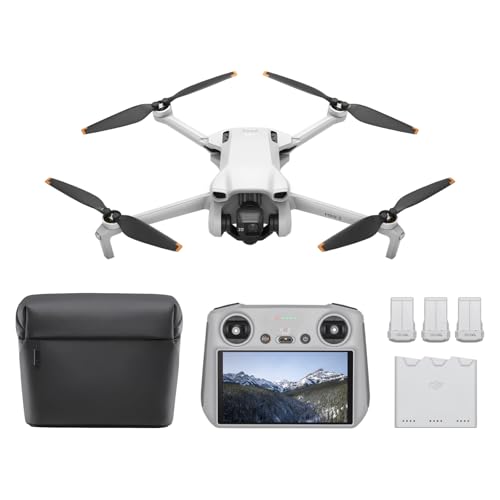
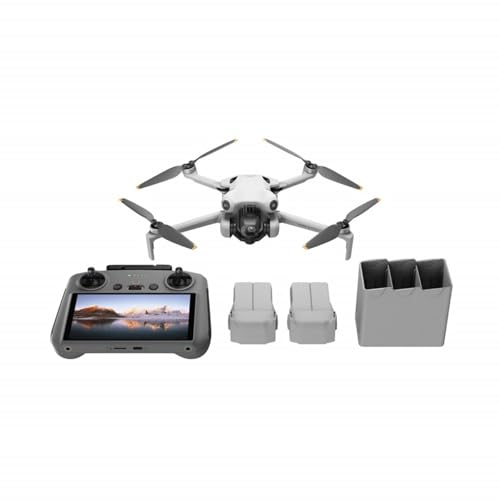
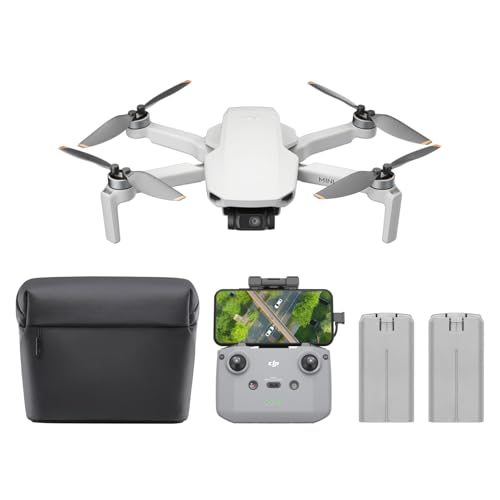
Ready to capture those jaw-dropping city sunrise drone shots that light up your social media feed? There’s nothing quite like the golden glow hitting urban landscapes as the world wakes up. But let’s face it, getting that perfect shot isn’t just about showing up; it’s about mastering your drone’s camera. You’ve got to nail the best camera settings for city sunrise drone shots to truly make your aerial photography stand out.
This guide is your secret weapon. We’re going to dive deep into how to optimize your drone’s camera for those magical morning moments, ensuring you get stunning, professional-looking footage every time. Whether you’re a seasoned drone pilot or just starting out, understanding these settings is crucial.
Why City Sunrise Drone Shots Are Pure Magic
Before we get into the nitty-gritty, let’s appreciate why city sunrise drone shots are so captivating. The soft, warm light of the golden hour bathes buildings in a beautiful hue, creating long, dramatic shadows. The often-misty morning air adds an ethereal quality, and the quiet streets before the rush can offer unique perspectives. It’s a photographer’s dream, offering incredible dynamic range challenges and rewards. Mastering the best camera settings for city sunrise drone shots means you can capture this fleeting beauty with incredible clarity and color.
Essential Gear & Pre-Flight Checklist
Before you even think about lifting off, a little preparation goes a long way:
- Charged Batteries: Always bring more than you think you’ll need. Cold mornings can drain batteries faster.
- ND Filters: Absolutely essential! Neutral Density (ND) filters are like sunglasses for your drone’s camera, helping you achieve cinematic motion blur even in bright conditions.
- Clear Lenses: A smudge on your lens can ruin an otherwise perfect shot. Carry a microfiber cloth.
- Flight Plan & Permissions: Check local airspace regulations and ensure you have any necessary permissions for flying in a city. Safety first!
- Weather Check: Look for clear skies, but a little morning mist can add character. Watch wind speeds.
The Core: Best Camera Settings for City Sunrise Drone Shots
Now, let’s talk shop. These are the settings you’ll want to adjust to get those epic sunrise shots. Remember, every drone and situation is slightly different, so use these as a starting point and adjust as needed.
1. ISO: Keep it Low, Folks!
- Setting: ISO 100 or 200
- Why: ISO controls your camera’s sensitivity to light. Higher ISO means more light, but also more digital noise or grain, especially in shadows. For a sunrise, you’re usually dealing with enough ambient light (or adjusting other settings) that you can keep your ISO low. This ensures your footage is clean and crisp.
2. Shutter Speed: The Key to Cinematic Smoothness
- Setting: The “180-degree rule” – typically 1/50th or 1/60th of a second for 24fps/30fps video.
- Why: This is where ND filters come into play. To get that smooth, cinematic motion blur in your video, your shutter speed should ideally be double your frame rate (e.g., 1/50th for 25fps, 1/60th for 30fps). At sunrise, even with low light, the sun can be surprisingly bright. An ND filter allows you to maintain this slower shutter speed without overexposing your shots. Without one, you’d have to crank up your shutter speed, resulting in choppy, unnatural-looking video.
3. Aperture: Let There Be Light (or Not!)
- Setting: Generally f/2.8 to f/5.6 (depending on your drone’s lens)
- Why: Aperture controls the depth of field and how much light enters the lens. Most consumer drones have fixed apertures (like f/2.8), so you might not have much control here. If your drone does allow aperture adjustment, a wider aperture (smaller f-number) lets in more light and creates a shallower depth of field (blurry background), while a narrower aperture (larger f-number) lets in less light and keeps more of the scene in focus. For expansive cityscapes, you usually want more of the scene in focus, so f/4 or f/5.6 is a good sweet spot if available.
4. White Balance: Capture the True Colors
- Setting: Manual! Start with a Kelvin (K) value between 5000K-6500K.
- Why: Auto White Balance (AWB) can struggle with the rapidly changing light of a sunrise, leading to inconsistent color temperatures. Manually setting your white balance allows you to lock in the warm, golden tones of the sunrise. Experiment to find what looks best; sometimes a slightly warmer (lower K value) setting can enhance the sunrise feel, while a cooler setting might balance out overly orange tones.
5. Picture Profile/Color Profile: Preserve Dynamic Range
- Setting: D-Log, Cinelike, or a similar flat color profile.
- Why: These “flat” profiles are designed to capture the maximum amount of information and dynamic range in your footage. They look desaturated and low-contrast straight out of the camera, but they give you far more flexibility in post-processing for color grading. This is essential for bringing out the rich colors and details in both the bright sky and the darker city shadows. Avoid standard or vivid profiles if you plan to edit!
6. File Format: RAW for Photos, H.264/H.265 for Video
- Setting: RAW for still photos, H.264 (MP4) or H.265 for video.
- Why: If you’re shooting stills, RAW format saves uncompressed image data, giving you the most flexibility for editing exposure, shadows, highlights, and color. For video, H.264 is widely compatible, while H.265 offers better compression efficiency for higher quality at smaller file sizes, but requires more processing power to edit.
Tips for Success
- Shoot in Manual Mode: This gives you complete control over all the best camera settings for city sunrise drone shots. Don’t rely on auto modes for critical shots.
- Exposure Bracketing: Some drones offer this. It takes multiple photos at different exposures, which you can combine later to create an HDR (High Dynamic Range) image. This is fantastic for sunrises where you have extremely bright skies and dark foregrounds.
- Composition is Key: Use leading lines, reflections, and the rule of thirds. Look for unique angles and city landmarks.
- Post-Processing: Your work isn’t done after landing. Color grading and minor adjustments in editing software are crucial for making those sunrise shots truly pop.
Keep Your Journeys Secure: Product Review
While we’re talking about capturing breathtaking visuals and safeguarding your drone, it’s also crucial to protect your valuable gear and vehicle, especially when you’re on the go to those perfect sunrise spots. For any discerning driver, whether you’re a drone pilot heading out before dawn or just someone who values their vehicle’s security, having robust protection is non-negotiable. This brings us to a piece of tech that, while not directly a drone camera, offers unparalleled peace of mind for your journeys and equipment.
DroneMobile XC-LTE 2K QHD 1440p 30fps Dash Cam with…

The DroneMobile XC-LTE dash cam isn’t just a simple camera; it’s a comprehensive security system for your vehicle, offering robust protection and crystal-clear recording capabilities. Imagine you’re on your way to an early morning drone shoot, and you want to ensure your car and all your expensive equipment are safe while you’re focused on flying. This system integrates seamlessly with Firstech systems, providing enhanced security features like a dual-stage shock sensor and glass-break sensor, alongside a loud on-board alarm siren. Its 2K QHD dash cam captures sharp 1440p footage at 30fps, ensuring every detail is recorded, and the live streaming capability means you can check on your vehicle from virtually anywhere. It’s a game-changer for vehicle security, offering drone pilots and commuters alike a sophisticated way to protect their assets.
Key Features:
– Enhanced security with dual stage shock sensor, glass-break sensor, and on-board alarm siren.
– 2K QHD dash cam with IMX335 sensor records in 1440p at 30fps.
– Integrates with Firstech Systems for comprehensive security solutions.
– Live streaming capability over LTE or Wi-Fi, with parking modes for added convenience.
– Unlimited range with operating voltage of 12v, suitable for various vehicle types.
– Full HD rear camera included for comprehensive surveillance.
Pros:
– Exceptional 2K QHD video quality captures fine details.
– Comprehensive security features provide peace of mind.
– Live streaming and parking modes are highly convenient for remote monitoring.
– Seamless integration with existing Firstech security systems.
– Unlimited range connectivity for monitoring your vehicle anywhere.
– Includes a rear camera for all-around surveillance.
Cons:
– Requires a subscription for LTE features and live streaming.
– Professional installation might be necessary for full integration with vehicle systems.
– Initial setup can be complex for those unfamiliar with security systems.
User Impressions:
Users frequently praise the DroneMobile XC-LTE for its superior video quality and robust security features, noting the added peace of mind from live streaming and comprehensive monitoring. Many appreciate the dual-camera setup and how it integrates with their existing alarm systems. Some mention the subscription cost for full functionality as a consideration but generally find the investment worthwhile for the level of protection and convenience it offers.
FAQ: Your Burning Questions About Drone Sunrise Shots Answered!
Q1: What’s the best time to start flying for a city sunrise drone shot?
A1: Aim to be in the air about 15-30 minutes before the official sunrise time. This allows you to capture the pre-dawn “blue hour” light, the initial warm glow, and the peak golden hour right as the sun breaches the horizon. The light changes rapidly, so being early is key!
Q2: Do I really need ND filters for sunrise, even when it’s not super bright?
A2: Yes, absolutely! Even though the light isn’t as intense as midday, ND filters are crucial for achieving that cinematic motion blur (the “180-degree rule”) by allowing you to use a slower shutter speed. Without them, your video will look overly sharp and unnatural, like a series of still photos.
Q3: My drone only has automatic settings. Can I still get good sunrise shots?
A3: While manual mode offers the best control for professional results, you can still get decent shots with automatic settings. Try to use exposure compensation to slightly underexpose (e.g., -0.3 or -0.7 EV) to preserve highlight details in the sky, and ensure your drone is set to record in a flat color profile if available. Practice makes perfect, even with auto!
Q4: How do I handle the contrast between a bright sky and dark city buildings?
A4: This is a classic sunrise challenge. Using a flat color profile (like D-Log), shooting in RAW for photos, and enabling exposure bracketing (if your drone has it) are your best bets. These methods capture more dynamic range, giving you more flexibility in post-processing to balance the highlights and shadows without losing detail.
Q5: What’s the ideal frame rate for cinematic drone footage?
A5: For cinematic video, 24 frames per second (fps) or 25fps (PAL regions) is standard. If you want the option for slow-motion, consider shooting at 50fps or 60fps, then slowing it down to 24/25fps in editing. Remember to adjust your shutter speed accordingly (e.g., 1/100th or 1/120th for 50/60fps).
Q6: Should I always use a low ISO like 100 for sunrise shots?
A6: Generally, yes. Keeping your ISO as low as possible (typically 100 or 200) minimizes digital noise, resulting in cleaner, crisper footage. Only increase ISO if absolutely necessary to achieve proper exposure after adjusting shutter speed, aperture, and using ND filters, and if the increased noise is acceptable for your final output.
Q7: How important is post-processing for drone sunrise shots?
A7: Extremely important! Post-processing is where your footage truly comes alive. Using a flat color profile like D-Log means your raw footage will look desaturated, but it holds a wealth of information. Color grading in software like DaVinci Resolve, Adobe Premiere Pro, or Final Cut Pro allows you to bring back vibrant colors, adjust contrast, and fine-tune exposure to achieve that stunning, professional look you’re after.
Conclusion
Capturing incredible city sunrise drone shots is an art form that blends technical skill with creative vision. By diligently applying these best camera settings for city sunrise drone shots, you’re not just flying a drone; you’re painting with light from the sky. Experiment, learn from each flight, and don’t be afraid to push the boundaries of what’s possible. The urban landscape bathed in the morning glow awaits your unique aerial perspective. Now go out there and capture some magic!